Intrinsic Calibration
From installing Aimation Studio to recording, refining and exporting your animation. Find the next step in your workflow.
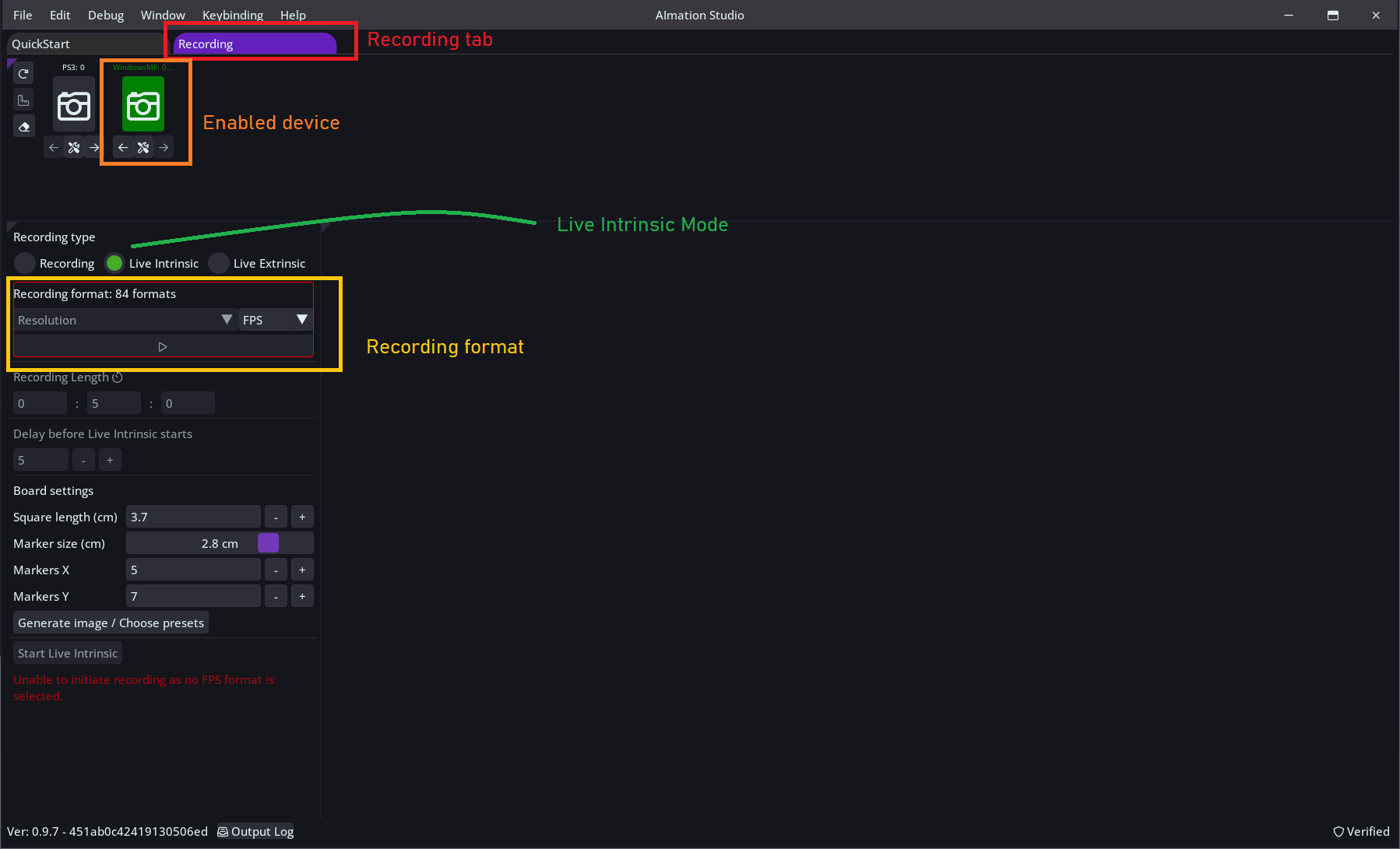
Intrinsic calibration provides us with specific parameters of a camera, such as focal length, optical center, and distortion coefficients.
This type of calibration is essential for both single and multi-camera recordings. Intrinsic calibration only needs to be performed once for each camera. As long as the calibration file is saved on disk, there’s no need to recalibrate the device.
AImation Studio offers two methods for intrinsic calibration of the device:
- Using a print with charuco markers
- Using a measuring tape to measure a few points in the camera view
If you plan on calibrating a multi-device setup using a charuco print, please read `Extrinsic calibration` documentation first, as the print requirements are slightly different depending on the situation.
No tutorials match your search.
Try the workflow with your own footage. Then choose the license that fits your project.